
A build is an immutable snapshot of your game's files. Every time you push, Wavedash creates a new numbered build. Builds stay available for rollback unless you delete them from the Builds tab. You can't delete the live build, and a deleted build can't be restored or published.
Uploading a build
- Open your game in the Developer Portal
- Go to the Builds tab
- Click "Upload new build"
- Drag and drop your zip file or folder, or click to browse — up to 1 GB uncompressed. Use the CLI for larger builds.
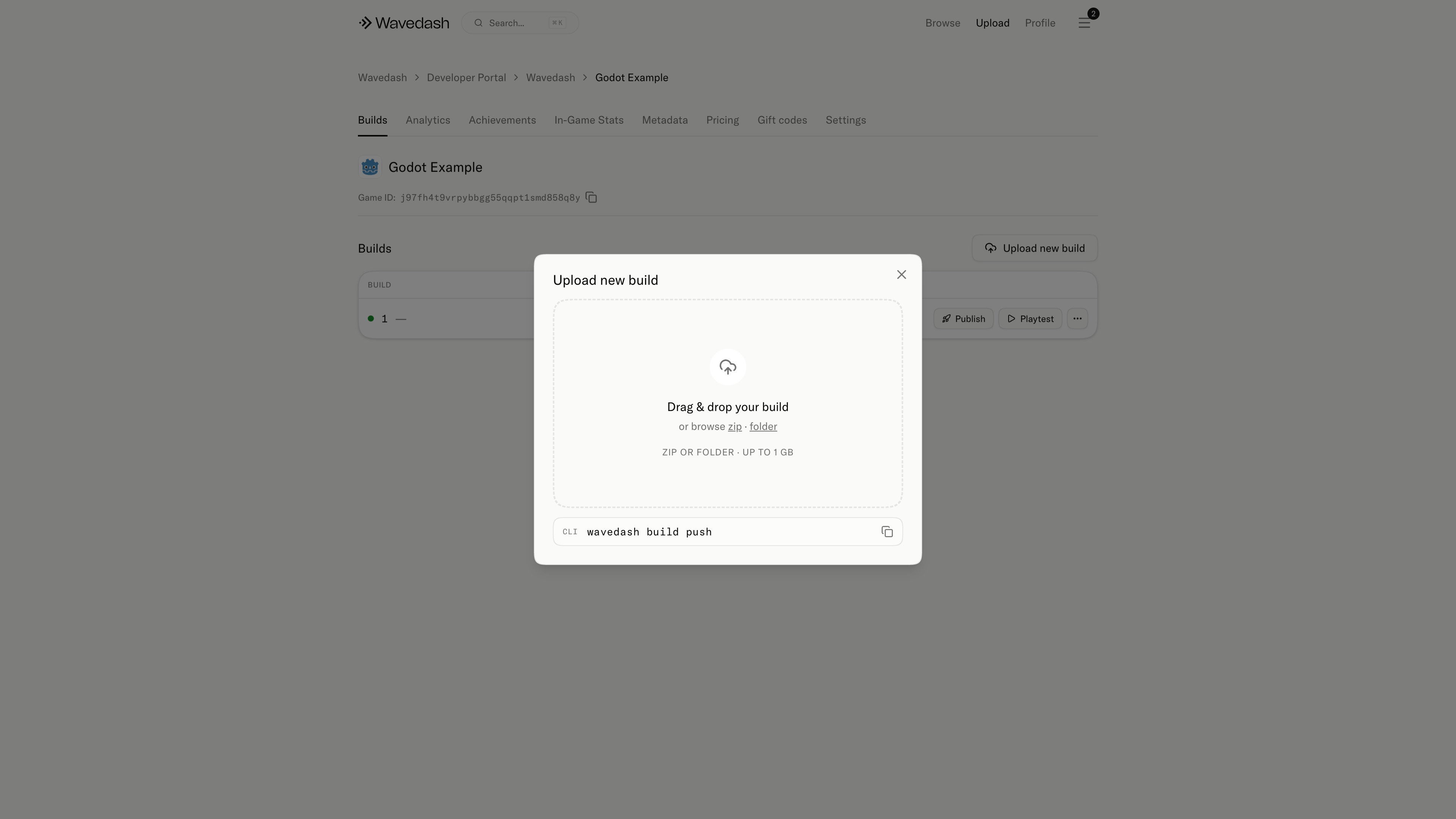
Once uploaded, the build appears in your builds list. Uploading does not make it live — publish it when you're ready.
Build immutability
Builds are immutable. You can't patch files in an existing build — push a new one instead. This makes rollbacks reliable since every build is a complete, self-contained snapshot.
Build size
Large WASM and asset folders increase upload time and load time for players. A few things that help:
- Compress textures
- Strip debug symbols for production builds
- Split optional content behind lazy loads where your engine allows
- Enable Gzip or Brotli compression in your build settings